
The birthday card they'll actually remember
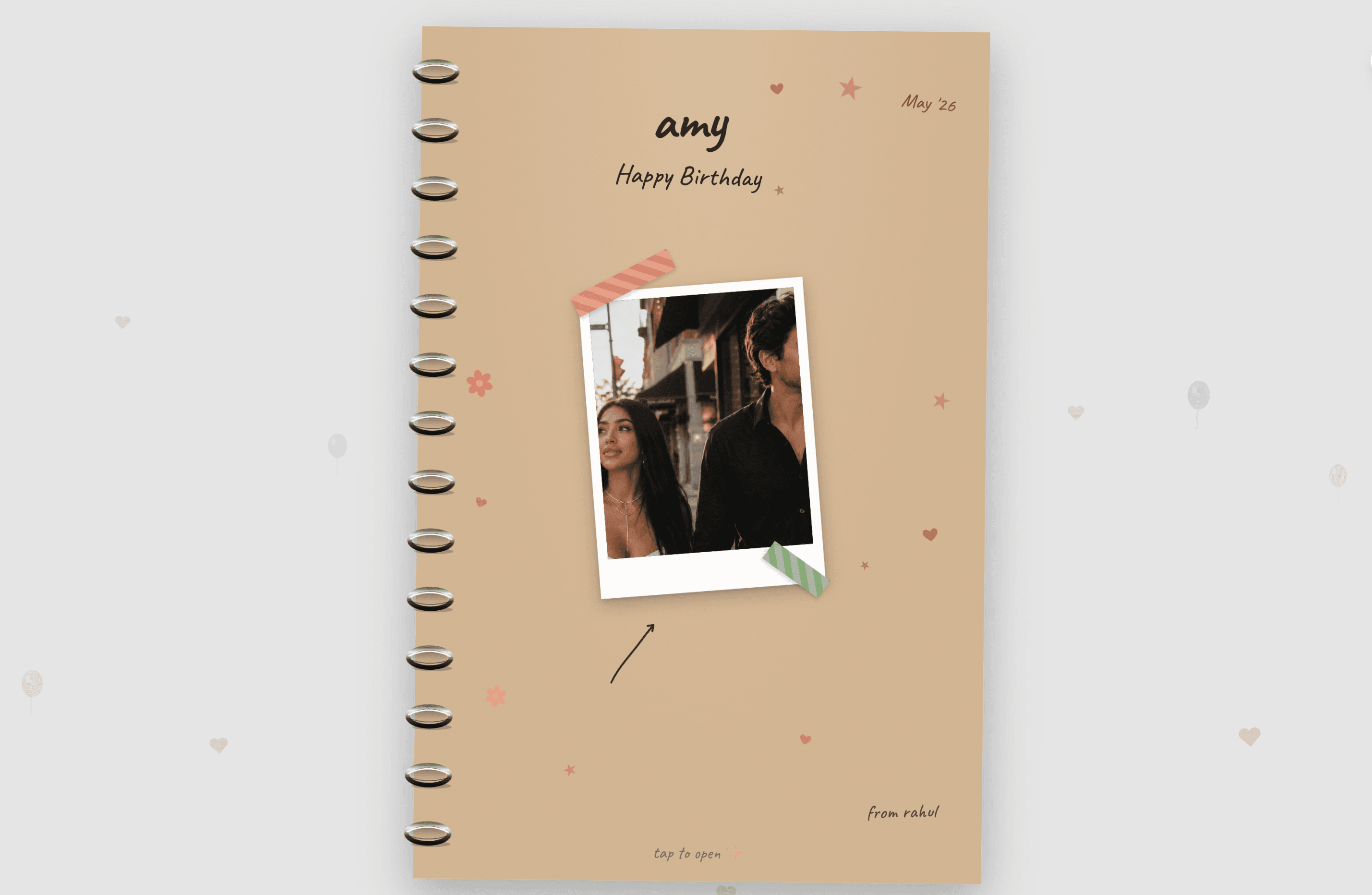
Upload a few photos, write a message (or let AI write it), share a link. They open it on their phone like a little gift. Free, no signup.
Loading…
How it works
From photos to magic in three steps
Upload a few photos
Phone camera roll, drag-and-drop, or pick from your computer. Up to 10 photos works best.
AI writes a heartfelt message
We turn your photos into a personal poem written for the birthday person. Edit it, rewrite a line, or rewrite the whole thing.
Share a link
Send via text, email, WhatsApp, anywhere. They open it on their phone and watch your card come to life. Free to share, no signup.

Ideas
Birthday card ideas for everyone you love
For your partner
All the inside jokes, the first photo together, the place you got engaged. The kind of card that makes them want to forward it to their group chat.
Build one for your partnerFor mom
Childhood photos paired with the things you've always wanted to say. Best opened with tissues nearby.
Build one for momFor dad
Skip the tie. Build a card he'll actually open more than once. Photos, a joke or two, a real message.
Build one for dadFor your best friend
Twenty years of bad decisions, brilliant ones, and the photos to prove both.
Build one for themFor a milestone birthday
30, 40, 50, 60. The bigger the year, the more it deserves more than a card from the gas station.
Build a milestone cardFor a kid
Bright, simple, a tiny bit of magic. Works great for nieces, nephews, godkids.
Build a kid's cardQuestions
Common questions
Is Joygram really free?
Yes. Making and sending birthday cards is free, including our cinematic templates Galaxy Love and Our Love Story. There is no subscription and you do not even need an account to start. Send as many birthday cards as you want.
Do I need to sign up to make a card?
No. You can build and share a card without an account. Signing up is optional and just lets you come back to edit cards later from your dashboard.
How does the recipient open the card?
You get a link when you finish building. Send it however you normally text or email someone. They tap the link and the card opens on their phone like a little gift. No app to install, nothing for them to download.
Can I write my own message instead of using AI?
Yes. The AI generates a first draft from your photos and the occasion, then you can edit any line, rewrite the whole thing, or replace it with your own.
What photo formats can I upload?
JPEG, PNG, GIF, WebP, and HEIC (the default format on iPhones). Just drag in whatever's in your camera roll and we'll handle the rest.
How long does it take to make a birthday card?
About 30 seconds for a simple card, a couple of minutes if you want to swap photos or edit the message. The AI does the heavy lifting either way.
Ready to make a birthday they'll remember?
Build a birthday cardFree, no signup required. Takes about 30 seconds.